> ## Documentation Index
> Fetch the complete documentation index at: https://docs.allgoodhq.com/llms.txt
> Use this file to discover all available pages before exploring further.
# Configuring SSO and verifying your domain
> Configure allGood to use your enterprise IdP, and verify ownership of your domain.
## Prerequisites
* You'll need an IT administrator who can configure a SAML SSO connection to your identity provider, and/or modify DNS records to verify ownership of your domain.
* You'll need to reach out to your allGood support team for an admin setup link for SSO. \
It should begin with: `https://setup.allgoodhq.app/init?`
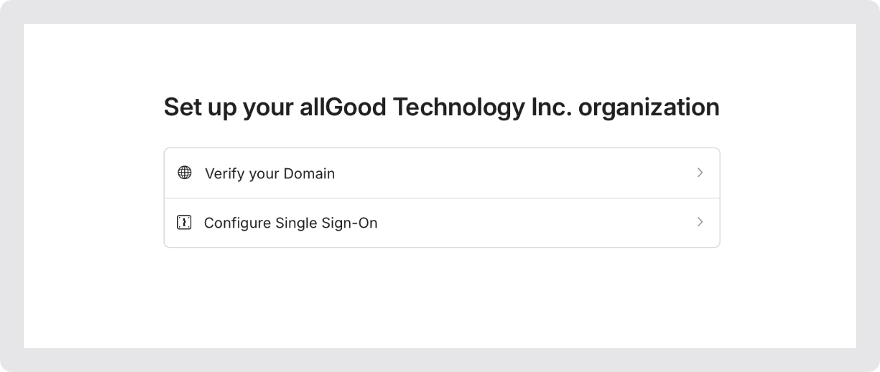 ## Domain Verification
If your org uses multiple domains, enter the domain name that can be found after the `@` in your email address.
## Domain Verification
If your org uses multiple domains, enter the domain name that can be found after the `@` in your email address.
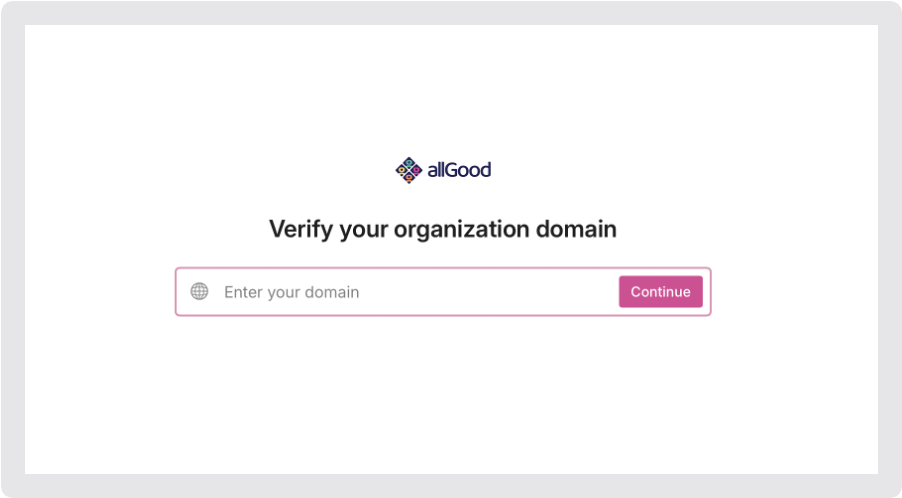 The admin portal will identfy your DNS provider based on the domain you supply, and will give you detailed instructions on how to add a DNS record verifying your ownership of that domain in allGood.
## SSO Setup
If you don't see your particular IdP in the list of options, you can continue with "Custom SAML" or "Custom OIDC" at the bottom of the screen.
The admin portal will identfy your DNS provider based on the domain you supply, and will give you detailed instructions on how to add a DNS record verifying your ownership of that domain in allGood.
## SSO Setup
If you don't see your particular IdP in the list of options, you can continue with "Custom SAML" or "Custom OIDC" at the bottom of the screen.
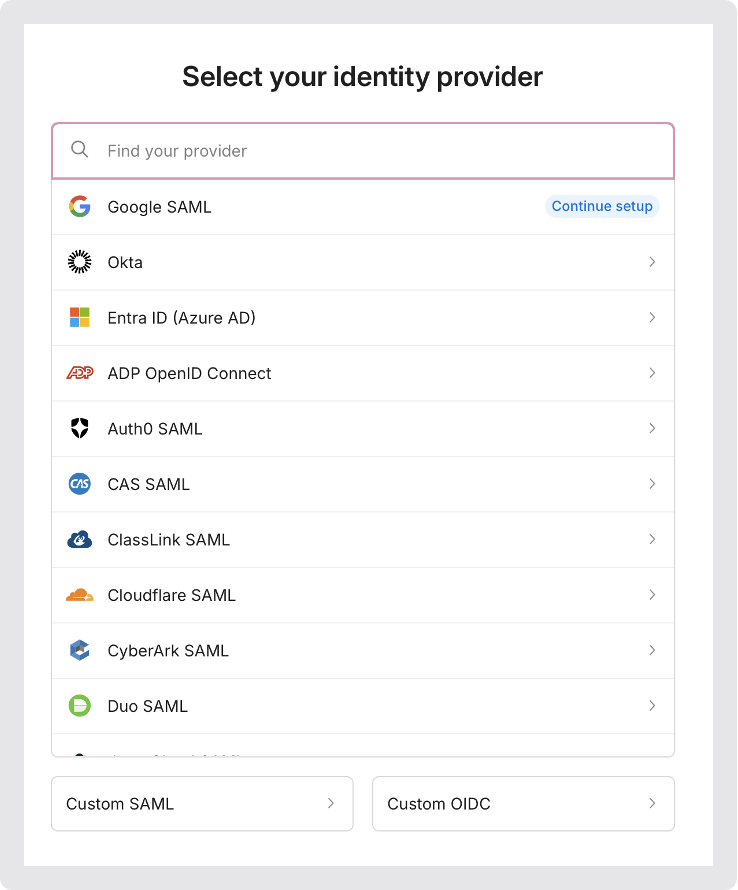 The admin portal will give you specific, step-by-step instructions on how to configure SSO to allGood from your IdP.
## Testing SSO
Once you have completed the domain verification and set up SSO, you'll be able to sign in to `allgoodhq.app` with an email address from your organization.
The admin portal will give you specific, step-by-step instructions on how to configure SSO to allGood from your IdP.
## Testing SSO
Once you have completed the domain verification and set up SSO, you'll be able to sign in to `allgoodhq.app` with an email address from your organization.
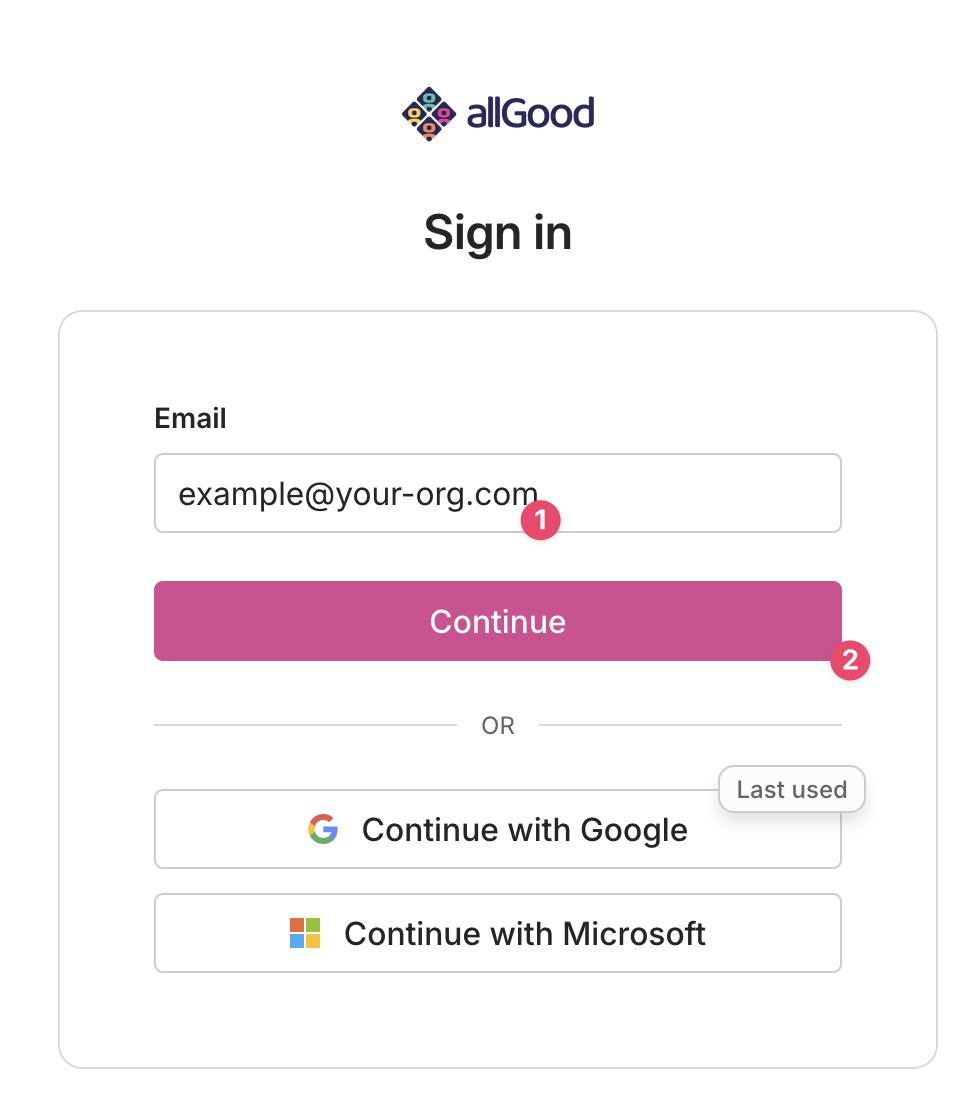 This will redirect you to your organization's sign-in page.
## Frequently Asked Questions
Depending on your identity provider, there might be a delay in propagating the relevant data and the SAML login could take up to 24 hours to become live. Please check with your Identity Provider for details.
Yes, since we only allow logins from the domain you have verified, please make sure that your IDP and Domain are both correctly configured. If you're experiencing issues verifying your domain, reach out to allGood support—we can verify it manually if the DNS approach won't work in your environment.
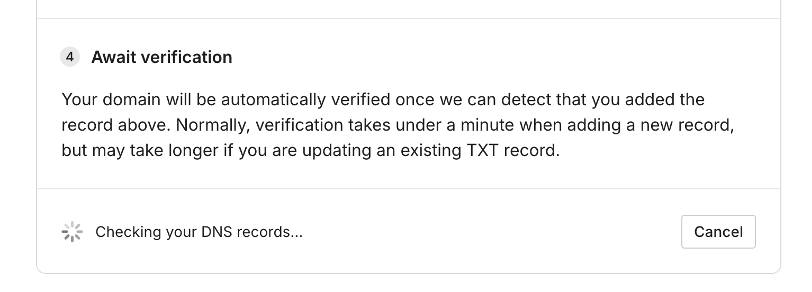
Due to standard DNS propagation, this process can also take up to 4 hours, however, with most DNS providers, this should likely only be a few minutes.
This will redirect you to your organization's sign-in page.
## Frequently Asked Questions
Depending on your identity provider, there might be a delay in propagating the relevant data and the SAML login could take up to 24 hours to become live. Please check with your Identity Provider for details.
Yes, since we only allow logins from the domain you have verified, please make sure that your IDP and Domain are both correctly configured. If you're experiencing issues verifying your domain, reach out to allGood support—we can verify it manually if the DNS approach won't work in your environment.
Due to standard DNS propagation, this process can also take up to 4 hours, however, with most DNS providers, this should likely only be a few minutes.