

The status chip
Every settings screen and every published asset carries one.
For a removal, such as unregistering a form or unpublishing a page, the same states read Removing…, Removed from the edge and Removal failed.

The status chip reading Live at the edge.
How long it takes
Tens of seconds, with about a minute as the practical ceiling. The chip doesn’t claim “live” until it has checked, so you can rely on it.One setting moves the chip on other screens
Your account’s settings travel as a single bundle, so a capture request costs one lookup rather than several. A consequence worth knowing: saving on Consent Provider moves the chip on Form Processing too. They’re the same underlying record, and nothing is wrong.Change history
Every settings screen has a change history at the bottom recording who changed what, and when. Entries can’t be edited or deleted.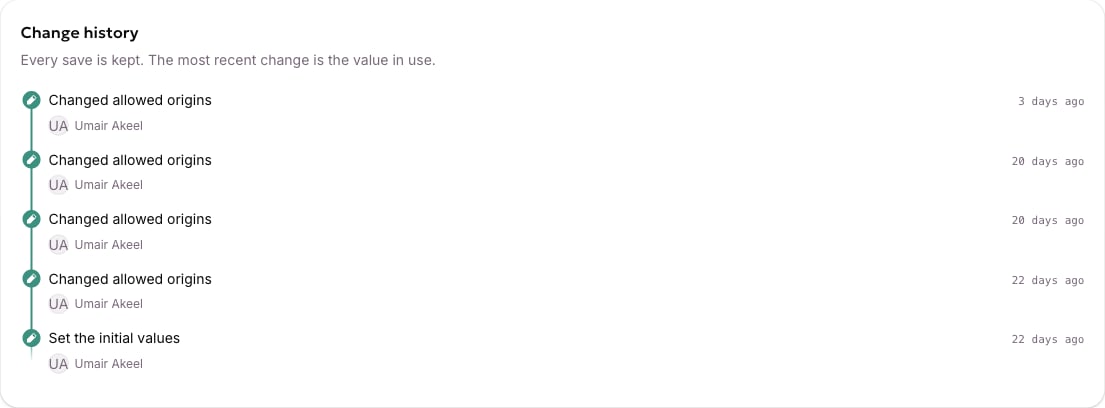
The change history at the bottom of a settings screen.