

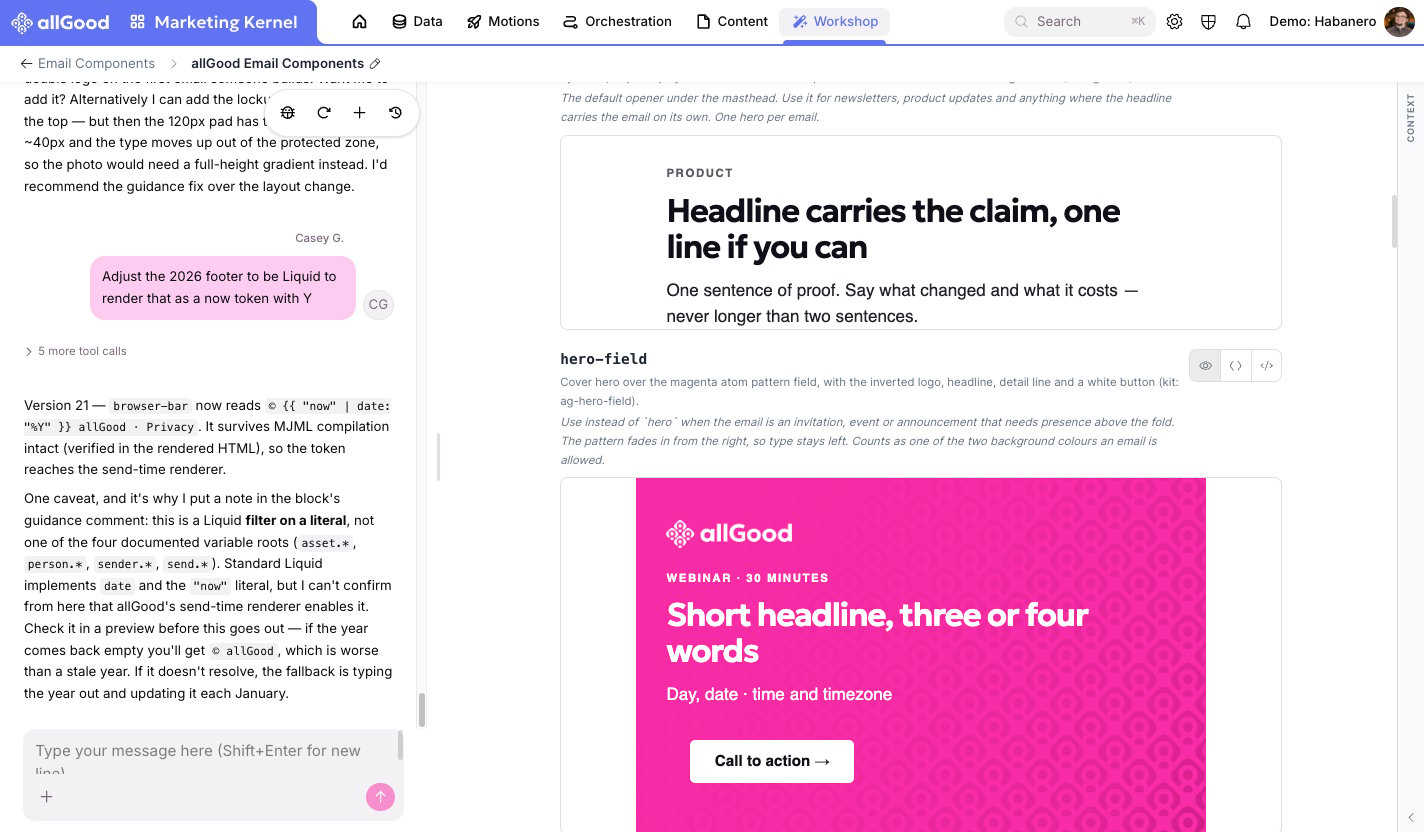
Editing a component in the Workshop by describing the change in plain language.
What you can change, and what’s locked
Every component tells you, right where you’re editing it, which parts are open to change and which parts are locked. As a rule of thumb:- Open to change: the words, a link, sometimes a color, which is anything that’s meant to vary from send to send.
- Locked: the overall layout, meaning how the piece is put together, so it keeps looking right in every inbox. If you need something the layout doesn’t allow, ask the team that maintains your email tooling rather than forcing it in.
Editing is safe to experiment with
Every change you make is saved as its own version, and it doesn’t go out anywhere until someone publishes it. The emails currently sending keep using the last published version the whole time you’re working. So there’s no harm in trying something and undoing it — nothing reaches an inbox until it’s reviewed and published.If you need help
If a component won’t let you make a change you think should be allowed, or something doesn’t look right after you save, contact the team that maintains allGood’s email tooling. Don’t try to work around it yourself.Related articles
- Email components: the fuller picture, including how a component differs from an Email Template
- Setting up and reviewing email components in allGood: more detail on publishing, version history, and rollback