

Prerequisites
- You’ll need an IT administrator who can configure a SAML SSO connection to your identity provider, and/or modify DNS records to verify ownership of your domain.
- You’ll need to reach out to your allGood support team for an admin setup link for SSO.
It should begin with:https://setup.allgoodhq.app/init?
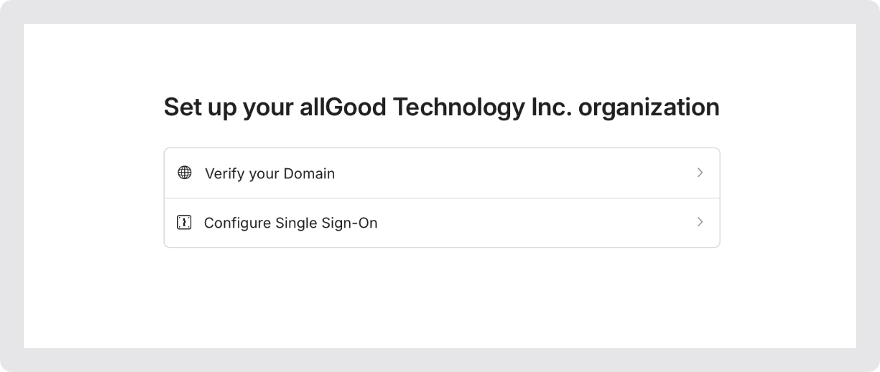
The admin portal will lead you through two setup flows: one for domain verification, and one to configure SAML SSO.
Domain Verification
Open the "Verify your Domain" flow in the setup portal.
Enter your organization's domain name.
@ in your email address.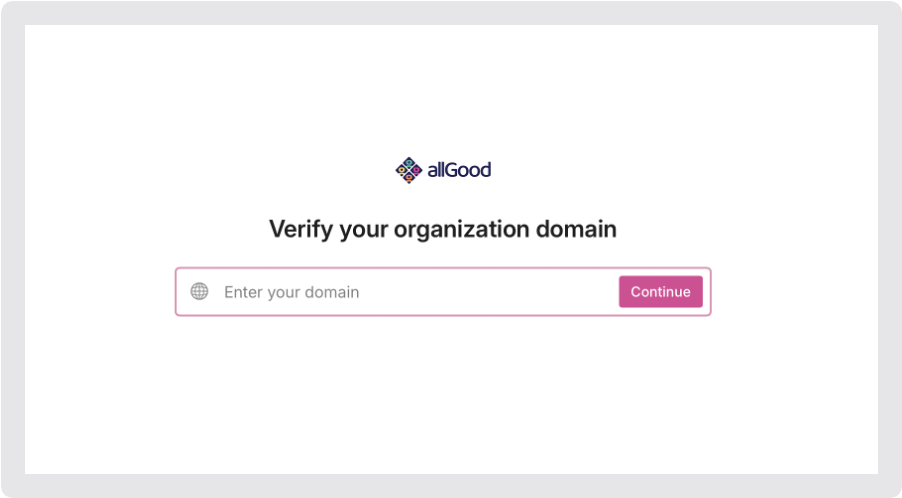
Enter the domain that your organization uses for email.
Follow the instructions onscreen.
SSO Setup
Open the "Configure Single Sign-On" flow in the setup portal.
Find your identity provider in the list and select it.
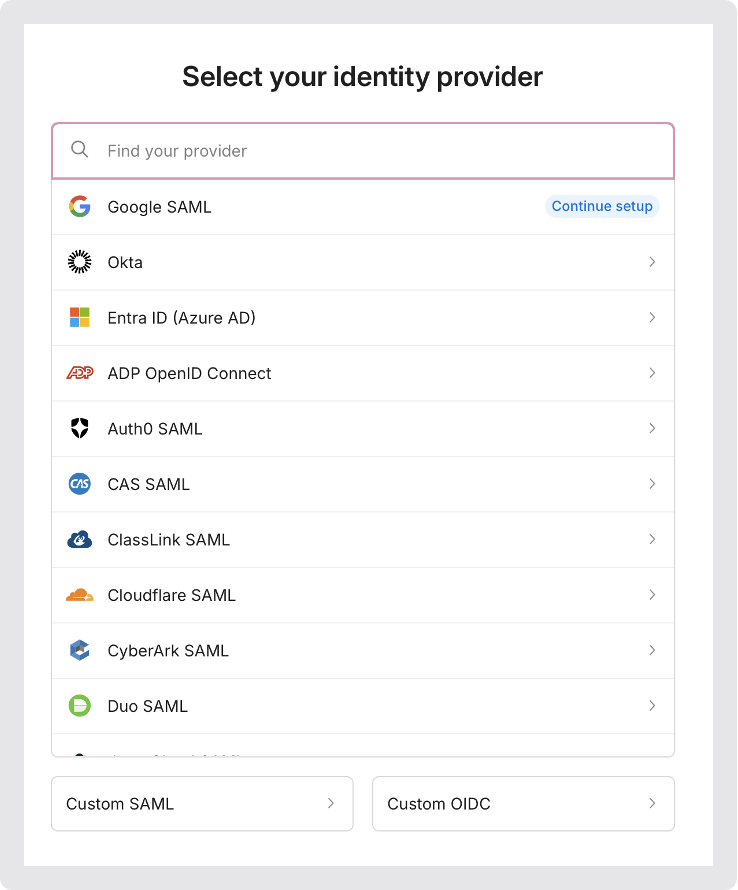
Find your IdP in the list, and select it.
Follow the instructions onscreen.
Testing SSO
Once you have completed the domain verification and set up SSO, you’ll be able to sign in toallgoodhq.app with an email address from your organization.
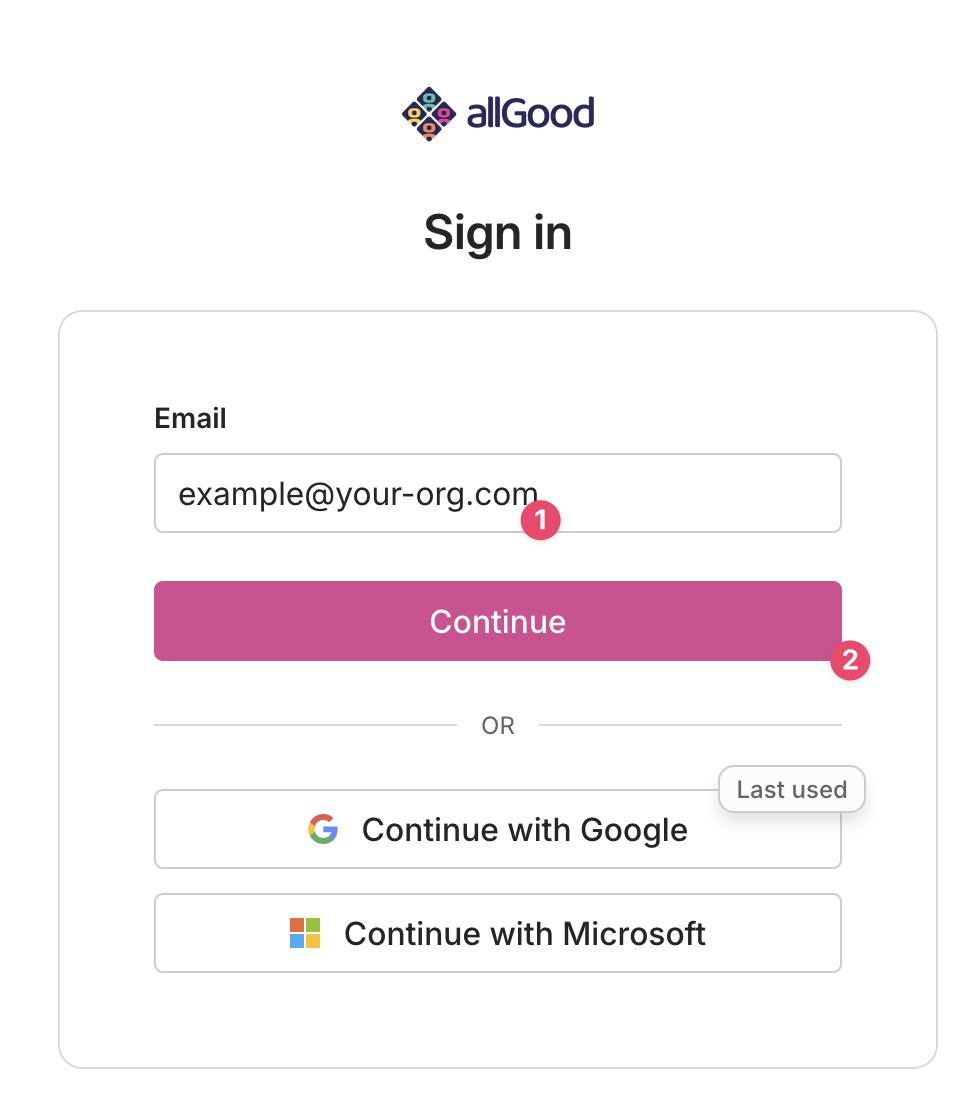
Enter an email from your org in the "Email" box, and click "Continue".
Frequently Asked Questions
How long does the SAML Integration take to go live?
How long does the SAML Integration take to go live?
Does the domain verification and the Identity Provider have to be valid?
Does the domain verification and the Identity Provider have to be valid?
How long can the process of Domain Verification take?
How long can the process of Domain Verification take?
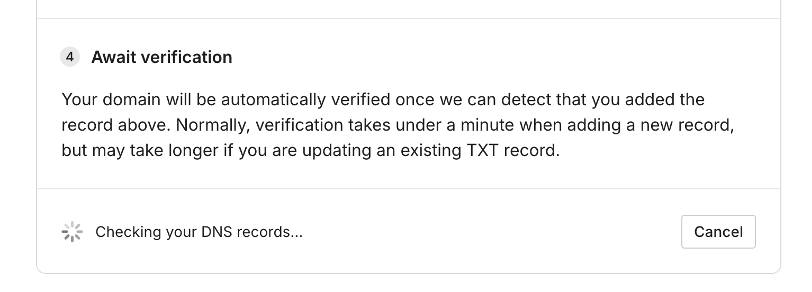
The admin portal will keep checking your DNS records for however long the changes take to propagate.