

Two ways in
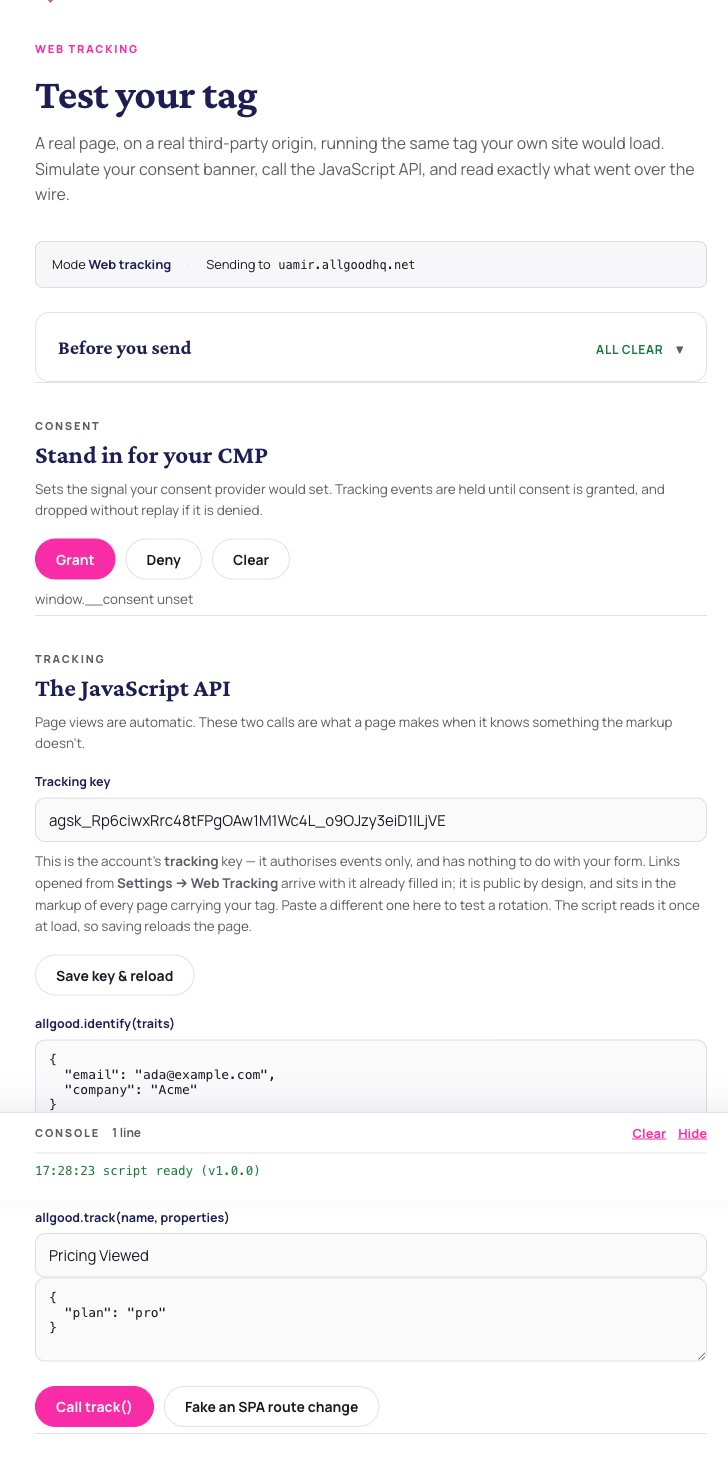
The hosted test page in tracking mode, with the readiness checks, the consent simulator and the JavaScript API.
- Readiness checks — everything that has to pass before a submission can work, evaluated live against your account.
- A host chooser — every connected domain, so you can test each one.
- A consent simulator — Grant, Deny and Clear buttons that write the consent signal exactly as a real banner would.
- The JavaScript API — boxes to call
identify()andtrack()by hand, and a button to fake a single-page-app route change. - The form, in form mode, built from the form’s real fields and posting to your real endpoint.
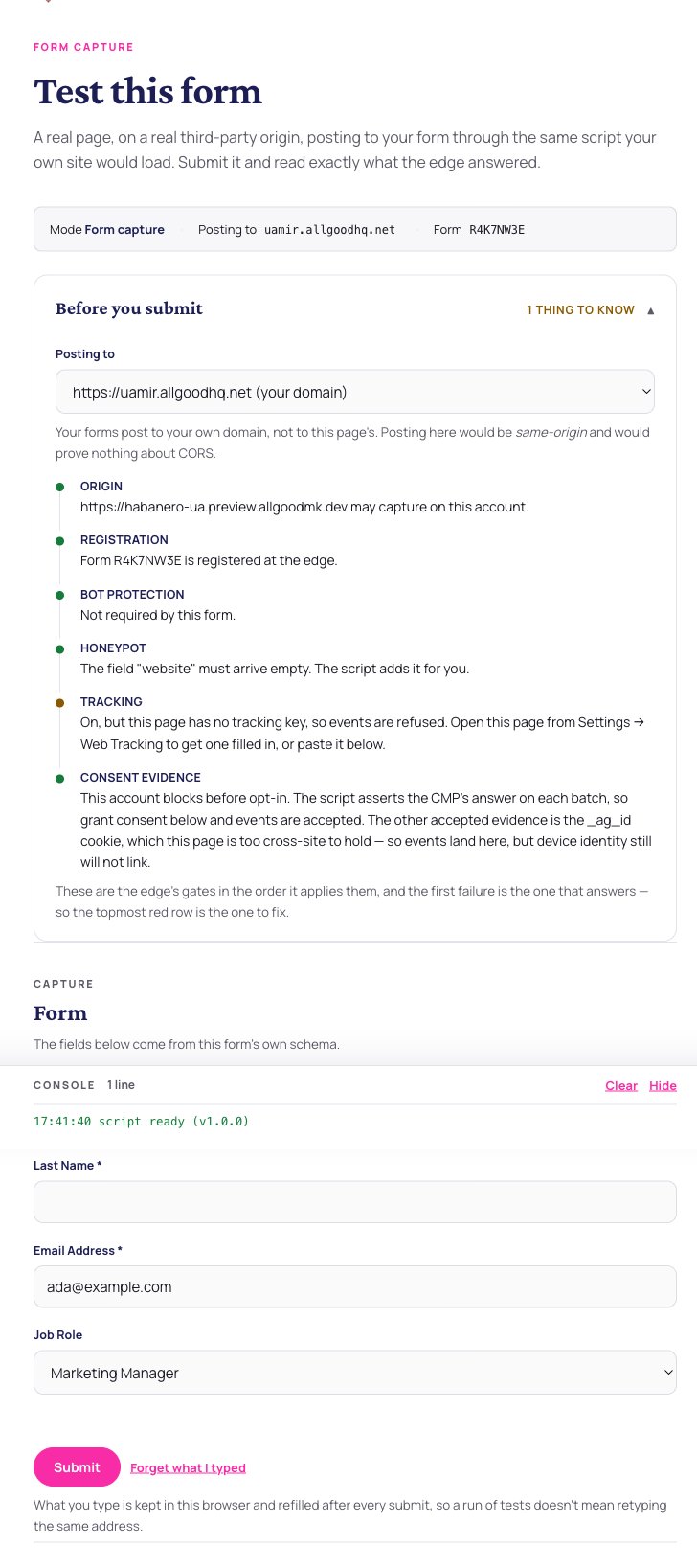
The test page in form mode, rendering the form's real declared fields.
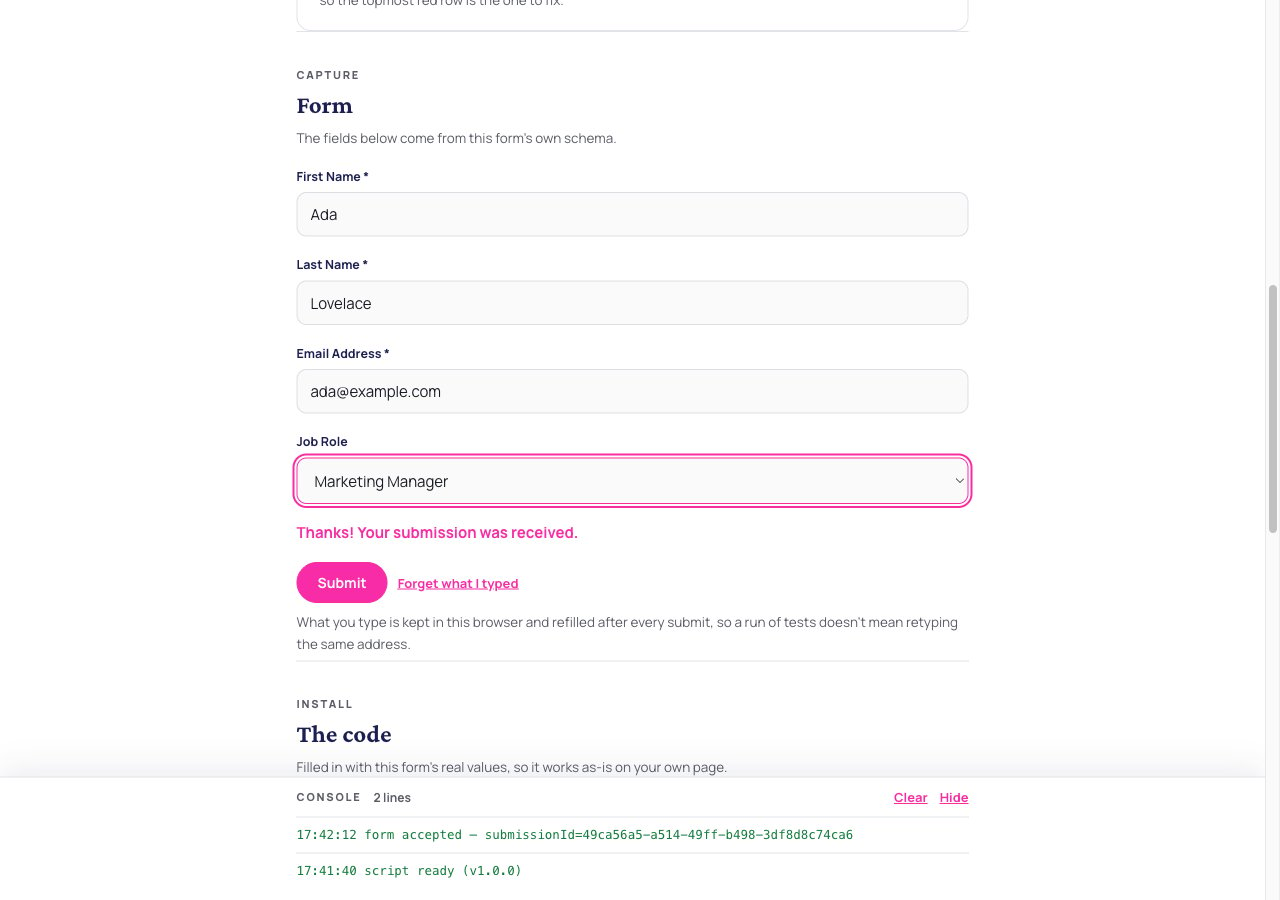
The result panel after a submission, showing exactly which check answered.
The link is signed and it expires. The whole session is covered — the mode, the form, the domains, the GTM container — so editing any of it in the address bar gives you a refusal rather than a different session. Mint a fresh link from the app when one expires.
The in-app tester
A form’s Test tab also has a tester built into allGood itself. It builds a submission from the form’s real fields, includes a switch that deliberately fills the honeypot so you can watch the bot check reject you on purpose, and reports the exact outcome and how long it took.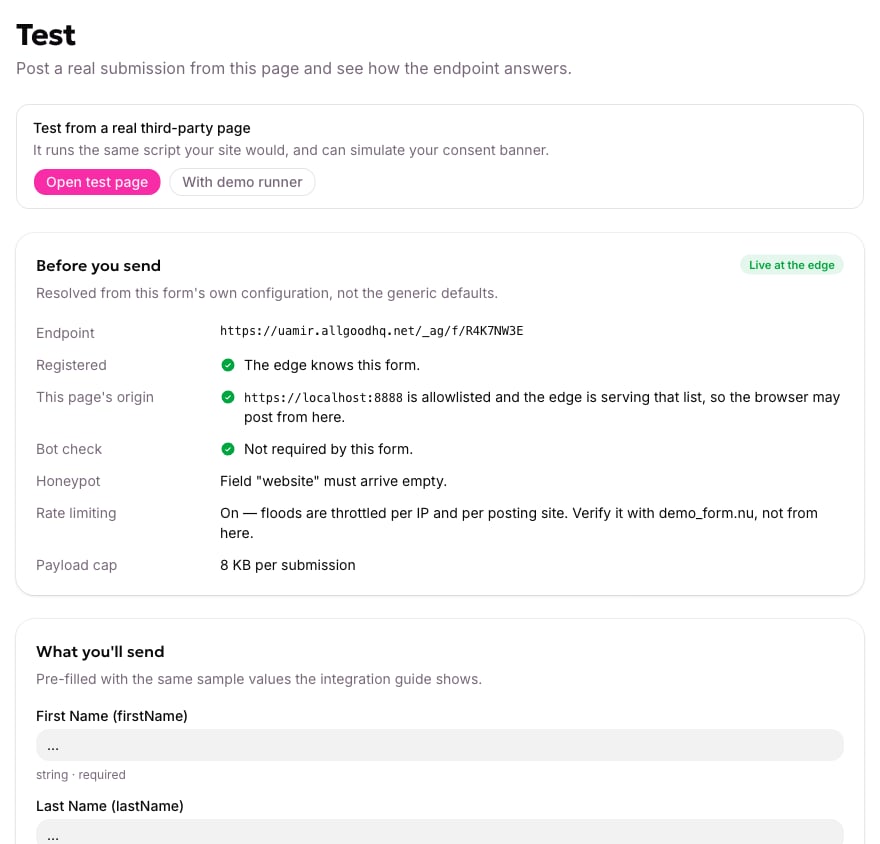
The in-app tester on a form's Test tab, with the payload built from the form's real fields.
A sequence that narrows almost anything down
1
Try the hosted test page
If it works, your account is fine and the problem is on your page. If it doesn’t, the problem is in the account setup.
2
Read the configuration response from your own page
In the network tab, look at the allGood configuration request. It tells you whether your origin is authorised, whether the form is registered, and whether tracking is on.
3
Force consent to granted
Set your consent global to
true in the console and reload. If it works now, the problem is your consent platform wiring.4
Watch the browser's permission check
If the browser’s pre-flight request to allGood is refused, it’s the origin list — check the origin character by character.