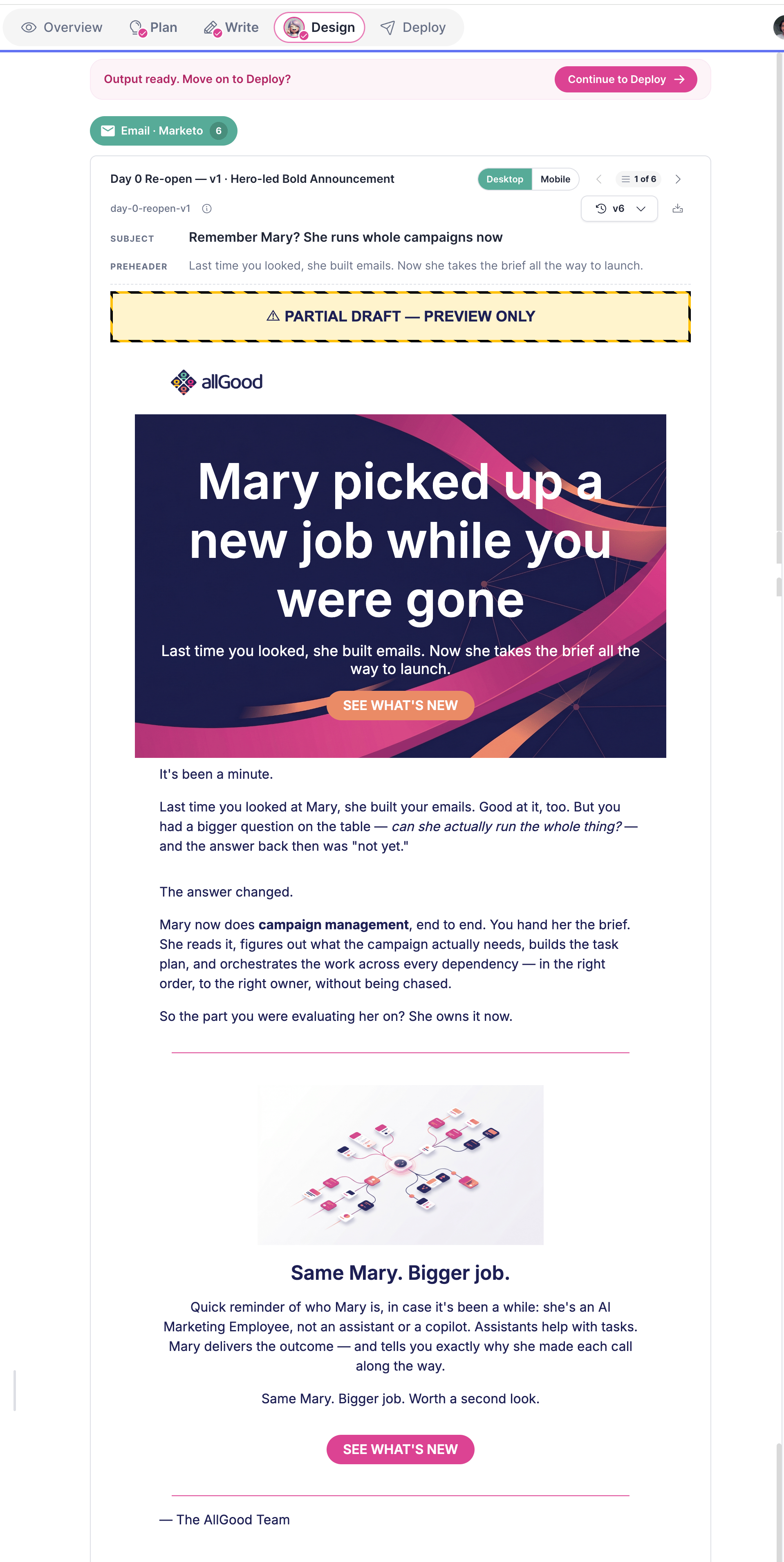
Build, review, and deploy chat-driven multi-channel campaigns without leaving allGood.
Demand Generation as a Service is a four-stage campaign workspace where Mary, your AI marketing agent, takes you from a rough idea to live Marketo emails, LinkedIn ads, and blog posts. You provide the direction; Mary handles the planning, copywriting, design, and asset creation. Each campaign moves through four stages in sequence: Plan → Write → Design → Deploy. You can work through them in a single session or pick up where you left off; every stage saves its output as an artifact the next stage reads from.Campaign list
The landing page shows every campaign in your workspace with its current status.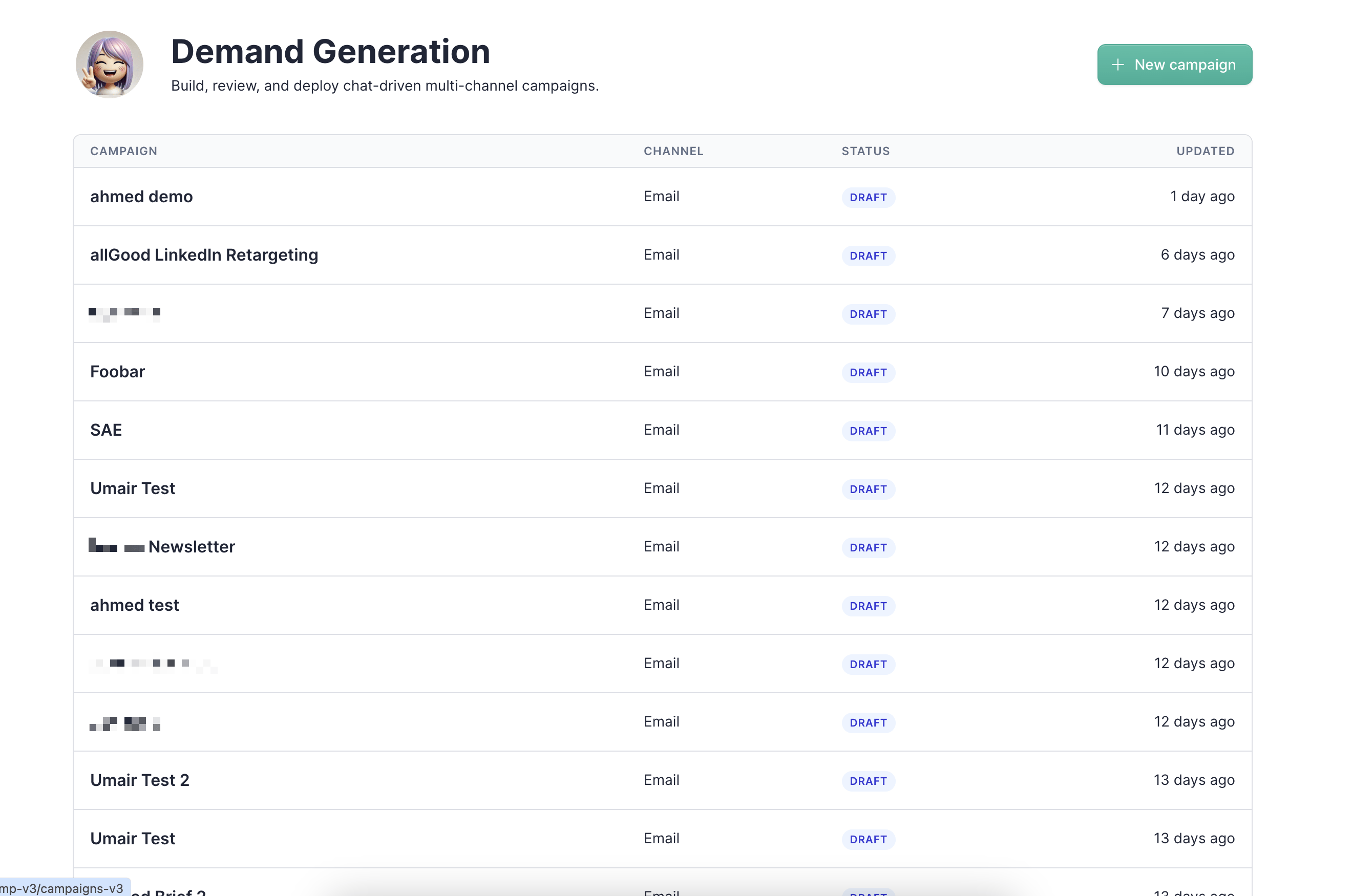
Creating a campaign
Click + New campaign from the campaign list to open the creation modal.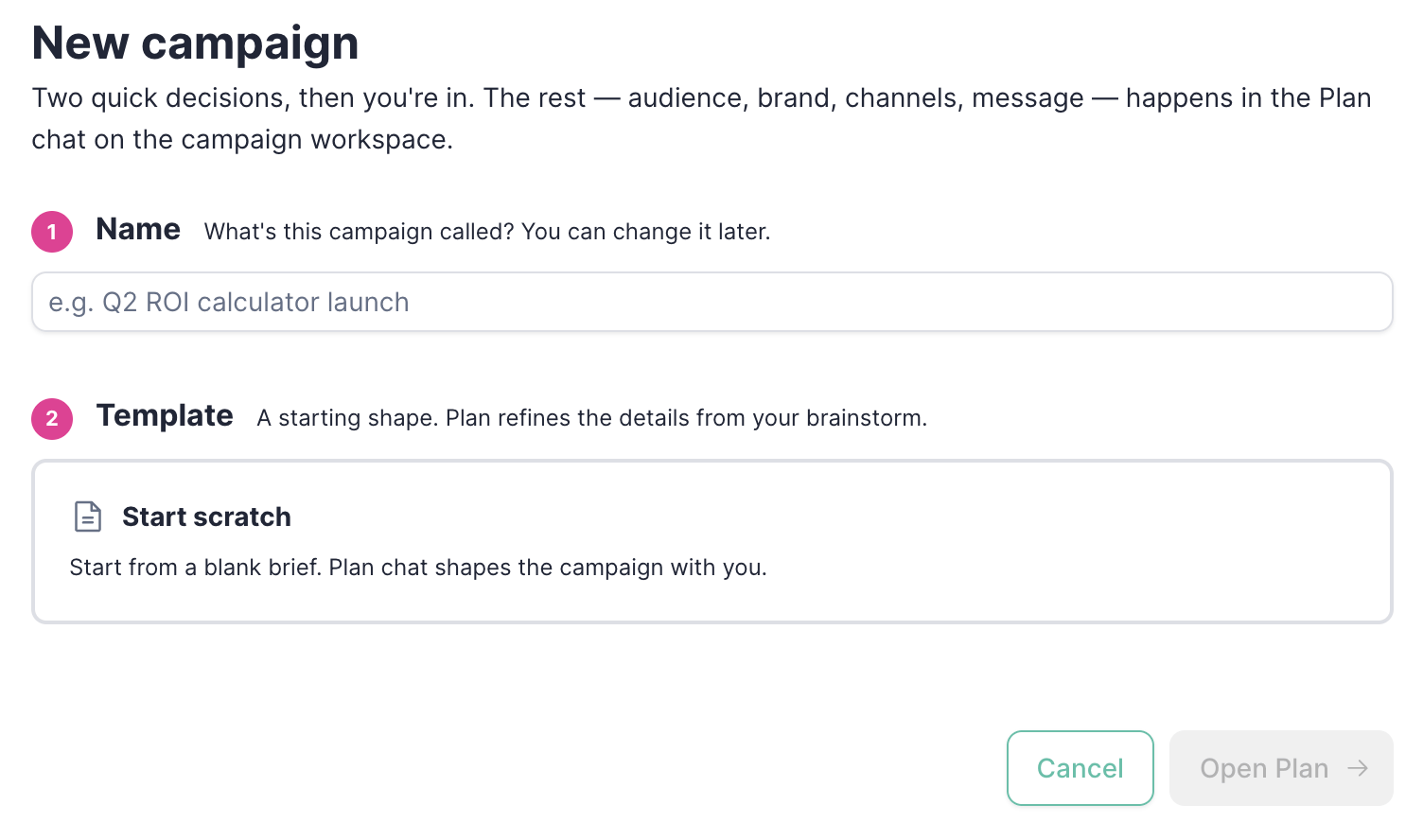
1
Name your campaign
Give the campaign a descriptive name — something that identifies the audience, angle, or launch. You can change it later.
2
Choose a template
Select a starting shape for the campaign. Start scratch opens a blank Plan workspace and lets Mary shape the campaign from your brainstorm. Once you select a template, a What we’ll do next callout appears summarizing exactly what will happen when you open the workspace.
3
Open Plan
Click Open Plan → to enter the campaign workspace. The campaign is created in Draft status and you land on the Plan stage.
Stage 1: Plan
The Plan stage is where you brief Mary on the campaign — audience, angle, channels, timing, and brand context. The output is a Campaign Brief artifact that every downstream stage reads from.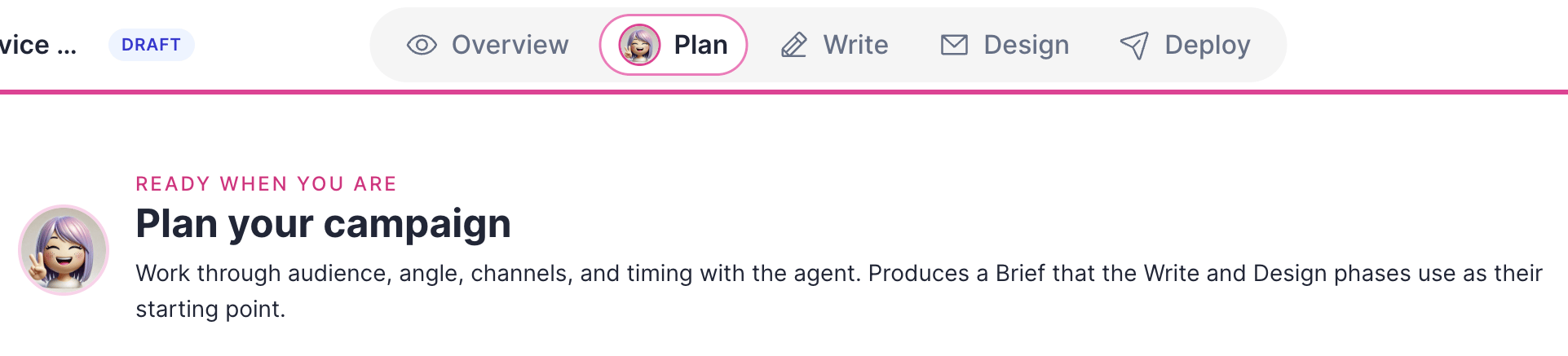
Shared context
Before starting the chat, wire up the references and channels Mary will use across all stages of the campaign.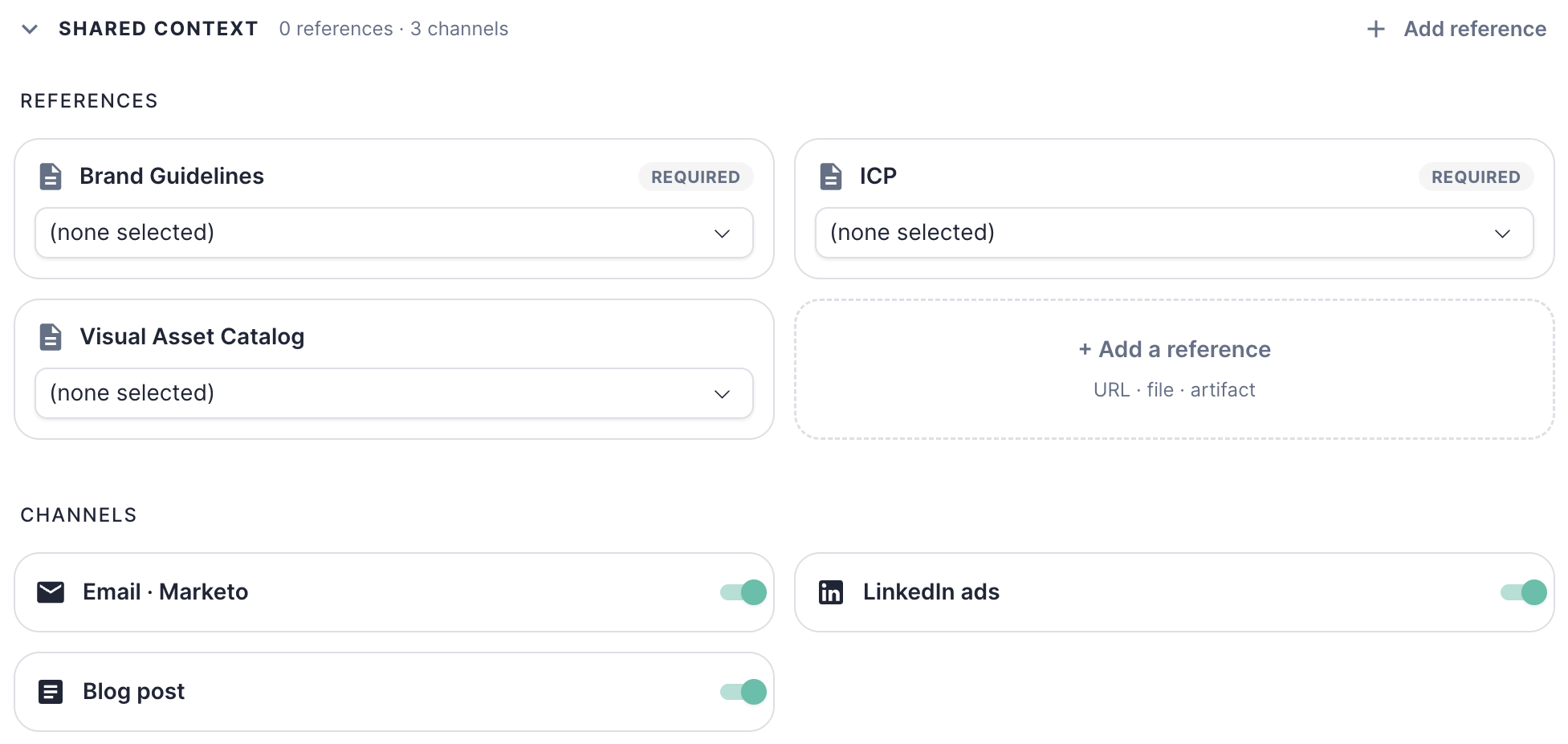
- Email · Marketo — multi-touch email sequence built directly in Marketo
- LinkedIn ads — ad copy matched to the campaign angle
- Blog post — long-form content that reinforces the campaign message
You can add or remove channels during the Plan stage. Once you move to Write, the channel selection from your Campaign Brief drives what Mary produces — changes at that point require updating the brief.
Starting the plan
Once your references and channels are set, choose how to kick off the planning conversation: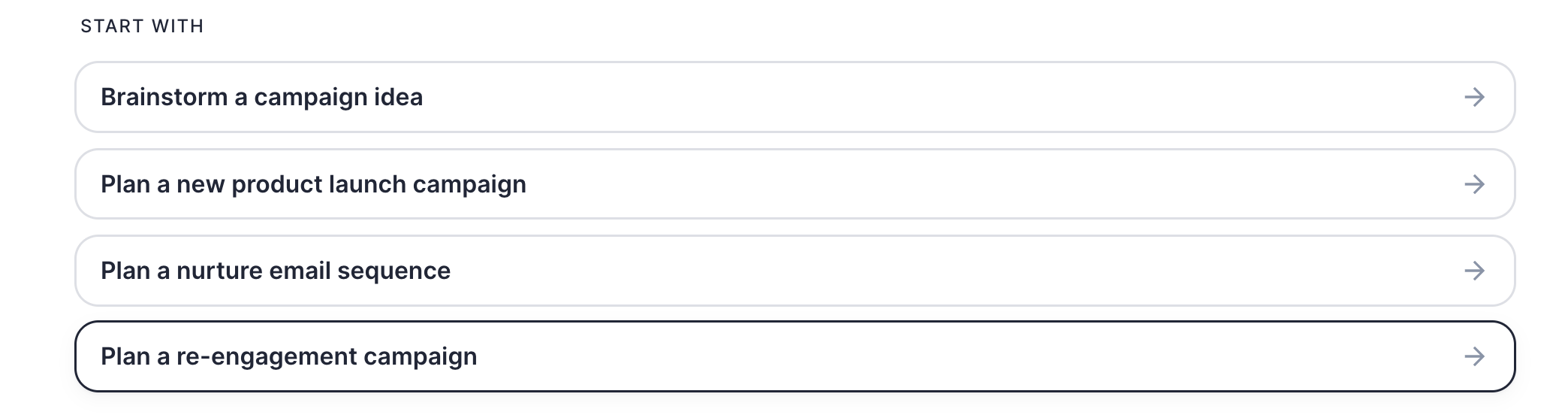
The Campaign Brief
When the plan is finalized, Mary produces a Campaign Brief markdown artifact. The brief captures audience, angle, channels, timing, copy direction, constraints, and any open questions — everything Write and Design need to do their work without re-asking you.Stage 2: Write
The Write stage is where Mary takes your Campaign Brief and produces the actual copy — emails, LinkedIn ads, and blog posts — ready for design and deployment.What Mary needs
The Write stage pulls in two inputs:Writing the copy
Use the Continue with suggestions to kick off the writing session — Write copy for all channels, Write a 3-email nurture sequence, Write a LinkedIn launch post, or Repurpose copy across channels — or describe what you want in your own message.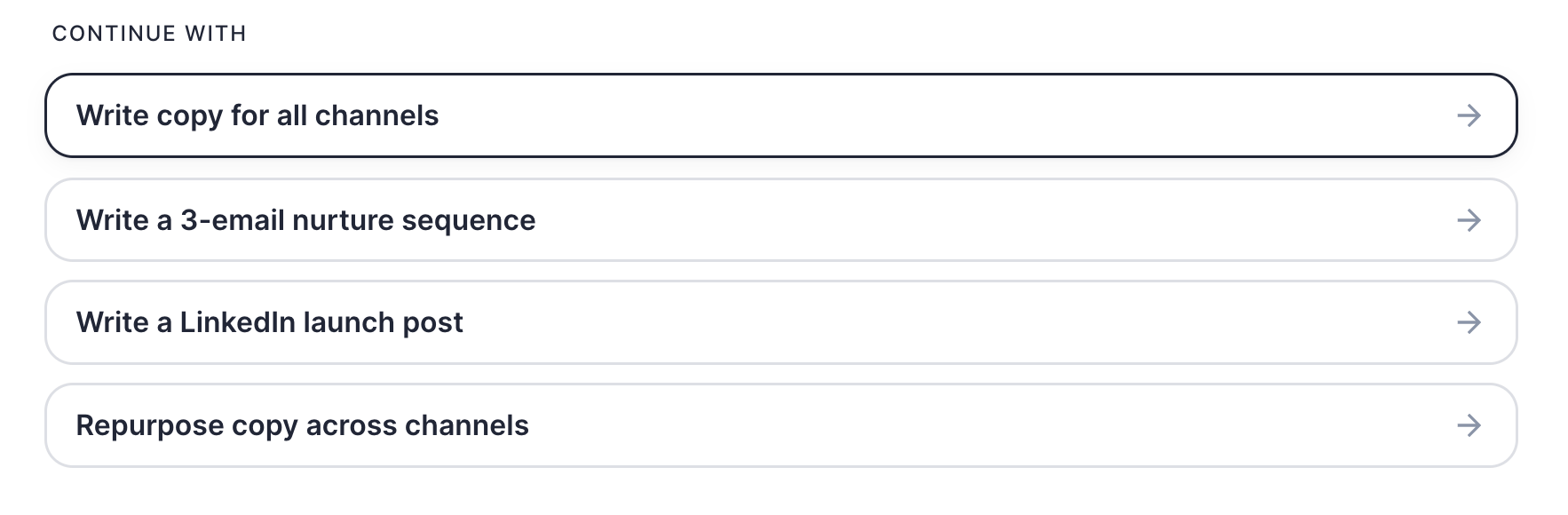
Reviewing copy output
Once Mary finishes writing, all completed pieces appear organized by channel — Email · Marketo, LinkedIn ads, Blog post — with a count per channel. Each piece shows its day, title, artifact slug, and a version indicator.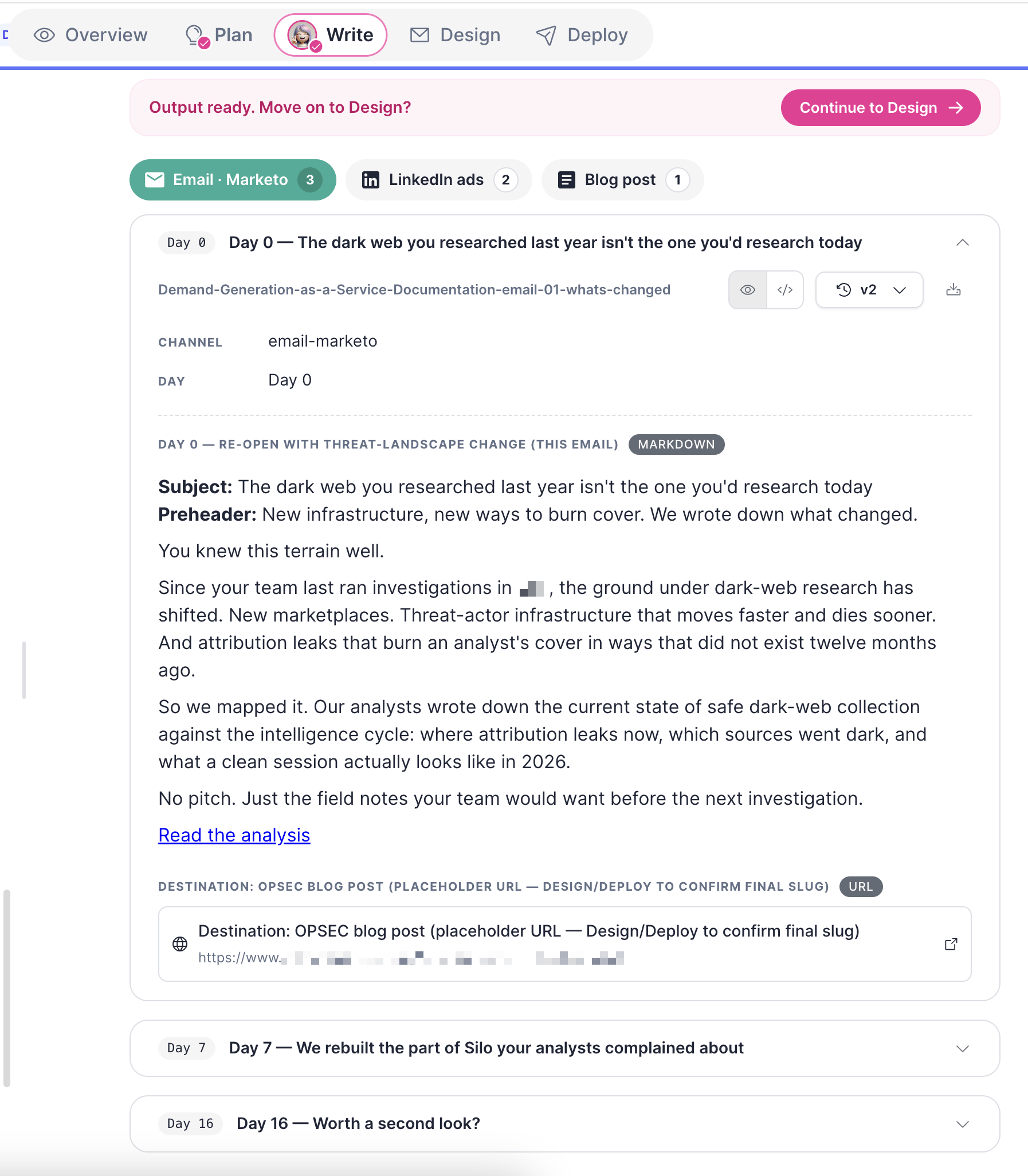
Stage 3: Design
The Design stage turns your approved copy into channel-ready assets. For email, Mary selects modules from your Marketo template that fit the copy, then builds the emails directly in Marketo.