

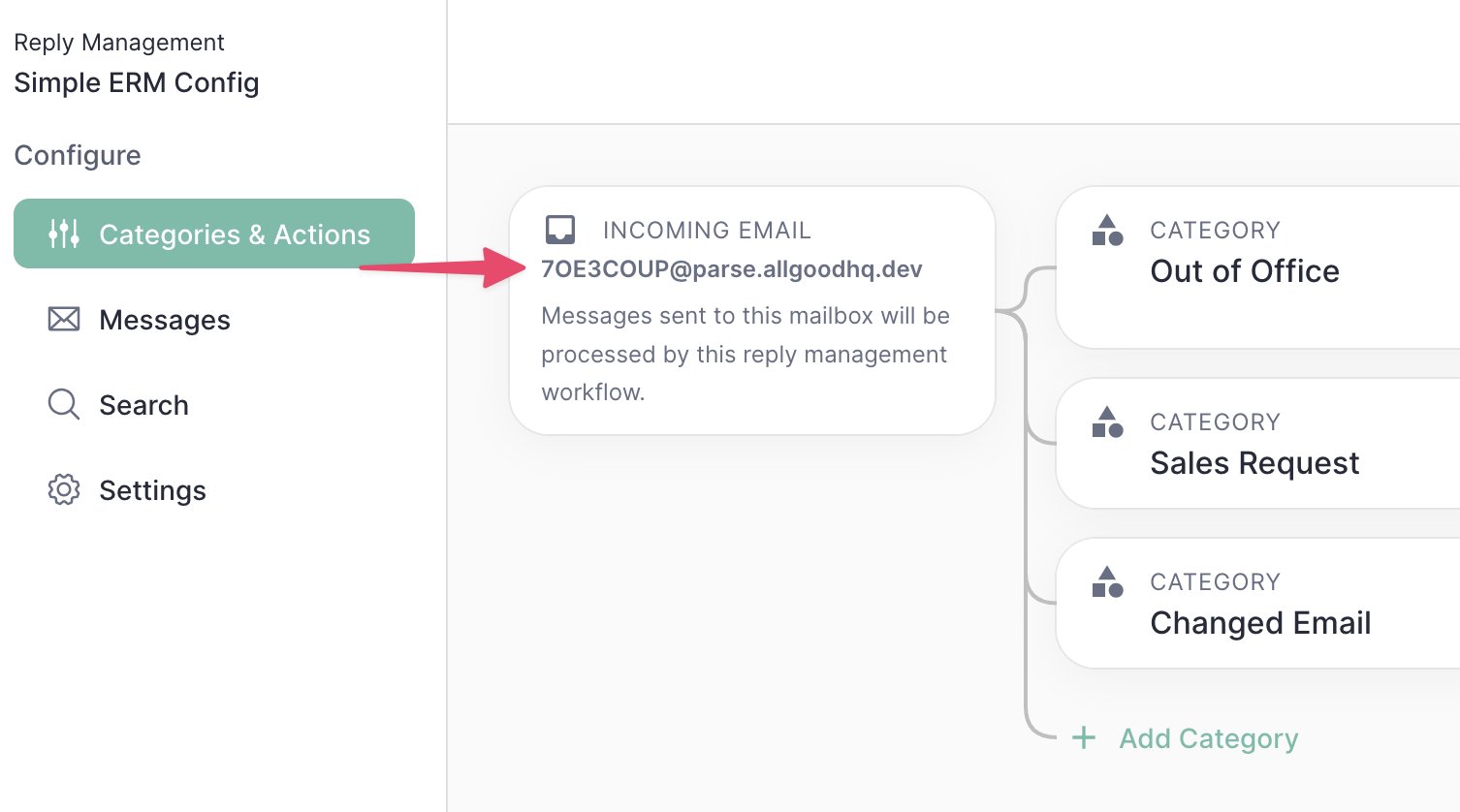
The Email Reply Management configuration screen will show you an address where incoming emails can be forwarded for processing.
Getting emails into allGood
Every email you send has two addresses behind it:- From address: the sender your recipients see.
- Reply-To address: where responses go when a recipient clicks Reply in their inbox.
Which domain should route to allGood?
Routing email to allGood means pointing a domain’s mail records at allGood, and that change applies to every address on the domain. If you did this with your main domain (for example,yourcompany.com), all email sent to your company, including your employees’ inboxes, would flow into allGood, not just replies to your marketing emails.
That’s why we recommend a dedicated subdomain (for example, reply.yourcompany.com) that points to allGood. It keeps marketing replies separate from the rest of your company’s email while still carrying your brand.
If you’d rather keep sending from your main brand address, you can instead set up a forwarding rule on that one mailbox. Forwarding only affects the mailbox you choose, not your whole domain.
The options below use one or both of these methods. Choose the one that fits your setup so that both human replies and automatic responses reach Mary.
Option 1: Use your allGood subdomain for both addresses (recommended)
Set both your From and Reply-To addresses on your allGood subdomain. This is the recommended option for production use.
Because the entire subdomain points to allGood, every reply lands with allGood, whether it’s a human reply or an automatic response going to either address. You can use any username before the @, since the subdomain accepts mail for any address.
Trade-off: Recipients see your subdomain as the sender instead of your main brand address.
Set up: Hosted Mailbox + Custom Domains
Option 2: Keep your brand From address, use the subdomain for Reply-To
Send from your normal brand address, set your Reply-To to your allGood subdomain, and add a forwarding rule on your From mailbox.
Human replies and most automatic responses go to your Reply-To address on the subdomain. The forwarding rule catches the automatic responses that go to your From address instead.
Trade-off: Requires setting up and maintaining both a subdomain and a forwarding rule.
Set up: Hosted Mailbox + Custom Domains (for the subdomain) and Forwarding Address (for the From mailbox)
Option 3: Use your brand address for both, with forwarding only
Keep both your From and Reply-To addresses on your normal brand address, and forward everything that mailbox receives to allGood. We only recommend this option for simple integrations or testing.
No subdomain is needed. Every reply and automatic response sent to that mailbox is forwarded to Mary.
Trade-off: Forwarding runs on infrastructure shared across all allGood customers, so it’s less robust than a dedicated subdomain.
Set up: Forwarding Address